GTA 6 Lands November 19 — Six Audio Checks to Do Before Launch Night
GTA 6 lands on PlayStation 5 and Xbox Series X|S on November 19. Rockstar has not said a word about how the game will sound — but GTA has always been carried as much by its radio as by its missions, and the chain of settings between your console and your speakers is either ready for that or it is quietly ruining it.
What is actually confirmed
The date is firm: November 19, 2026, 64 days out as of this piece. The 25-minute Extended Look already put a stack of licensed music on the record — Tom Petty, Depeche Mode, Def Leppard and Phil Collins among the tracks people have catalogued. Nobody remembers a GTA heist for the gunfire; they remember the drive home with the radio up, and the audio system is where that memory is stored. Which formats the game itself ships in is still unknown, so do not buy hardware for a spec sheet that does not exist yet. Fix these six things instead — all free, and most living rooms have at least two wrong.
1. Find out what your console is really sending
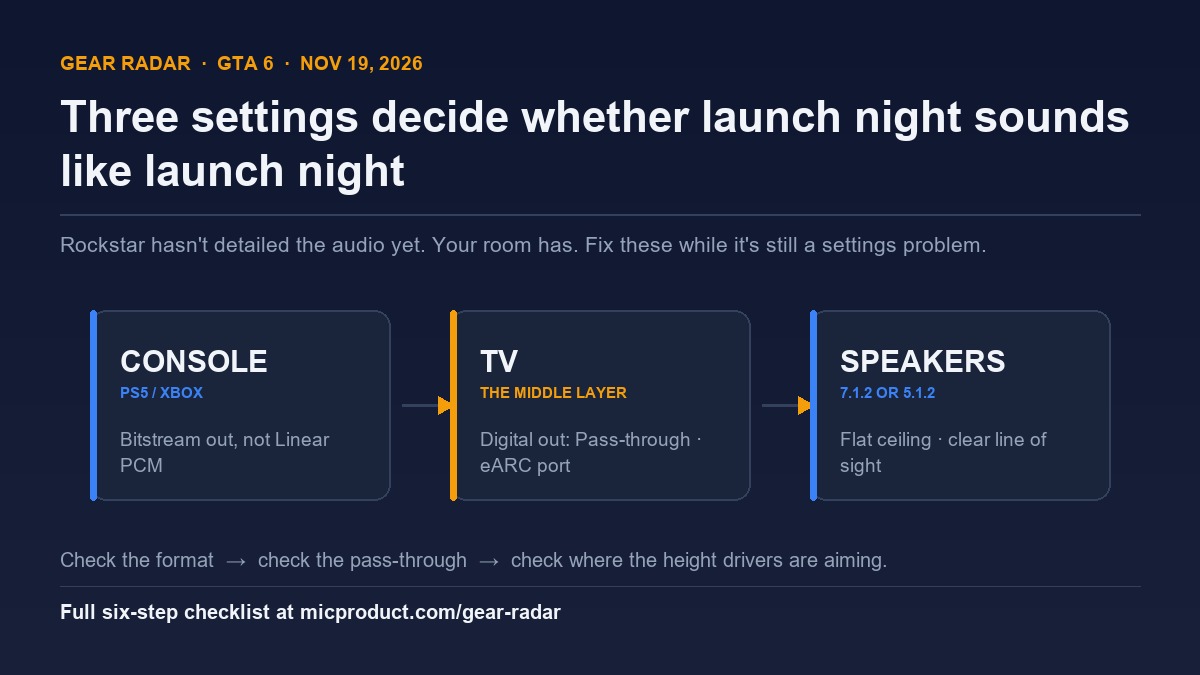
On PS5, go to Settings → Sound → Audio Output: Output Device on HDMI, then Audio Format (Priority). Bitstream sends the audio out as a Dolby stream for your soundbar or receiver to decode; Linear PCM sends it already unpacked and lets the console do the surround work. On Xbox, Speaker audio → Bitstream out → Dolby Atmos for home theater, plus “Allow passthrough” on. Our step-by-step guide to real Dolby Atmos on PS5, Xbox and PC walks the whole menu tree, including the PC cases.
2. Your TV is probably decoding before your speakers get a chance
Most TVs ship set up to do the surround work themselves, because the default assumption is that you are listening to the TV. Set Digital Audio Out to Pass-through (some menus call it Auto), switch off the TV’s own virtual surround, and turn the internal speakers off. A TV that downmixes to stereo and re-encodes it downstream is the single most common reason a “Dolby Atmos” system sounds like a loud television.
3. eARC, ARC or optical — only one carries the good stuff
Optical cable cannot carry Atmos at all. Plain ARC carries compressed Atmos, which is fine for most gaming. eARC carries it untouched. If your TV and soundbar both have a port labelled eARC, that is the only pair worth using — the wrong HDMI input downgrades everything behind it.
4. Aim the height drivers before launch night, not after
Up-firing speakers do not create sound above you; they bounce it off your ceiling at a fixed angle, so the ceiling has to be flat and nothing can sit in the path — not a shelf, not a cabinet lip, not a low lamp. Sitting directly underneath them makes it worse. If “Atmos” has always felt like a slightly louder centre channel in your room, this explainer on what 7.1.2 actually means covers the geometry, and the no-renovation 5.1.2 build covers placement in a normal living room.
5. Chase the delay while it is still a settings problem
Audio lag is invisible until you are three hours into a session and something feels off. Game mode on the TV, every picture-processing feature off, no auto-volume on the receiver. Test it on music rather than explosions — a steady beat makes a 60ms offset obvious in a way gunfire never will, which is exactly why a game’s radio is the right test material.
6. Turn off the night mode that flattens everything
Dynamic range compression is the setting that quiets explosions so dialogue stays audible, and it is why in-game radio sounds like a phone on a table. Turn it off, set the console to the largest speaker layout your system actually has, and let the volume knob do its job.
If the weak link is the hardware, not the settings
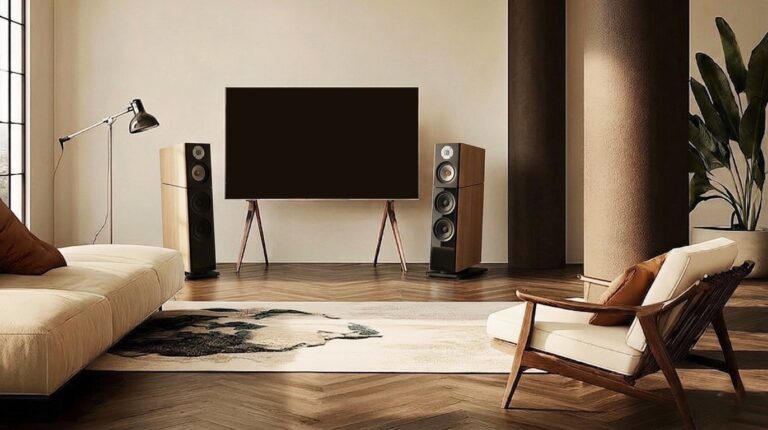
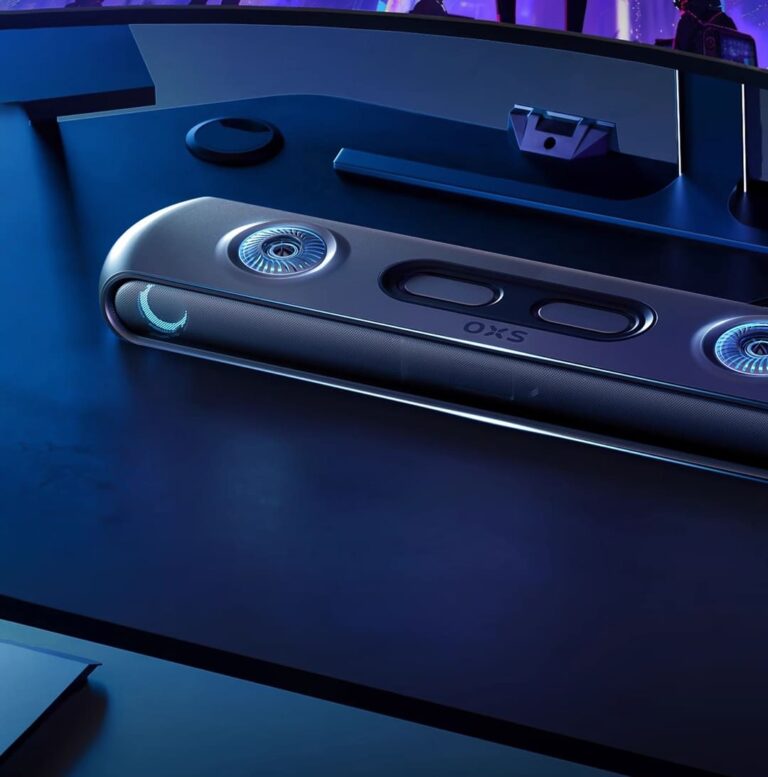
Two rooms, two answers. At a desk with a console on a monitor, a pair of speakers within arm’s reach is a 7.1.2 setup with real height channels — the OXS Thunder Pro+ is that idea at desk size and the Thunder Lite is the smaller-footprint entry; the desktop gaming audio guide covers what to look for, while the Black Ops 7 setup notes go the competitive direction. In a living room with a TV and a sofa, the honest move is a real 5.1.2 package — ours is the Jamo HCS B5, and the full review explains what the money buys first.
And once the trailer finally arrives, the conversation shifts from setup to score: Justice composed the full original soundtrack, and the launch trailer gives you a first taste of what that mix is going to sound like.
Settings come first either way. A correctly configured cheap system beats a badly configured expensive one on every game ever made — and you have 64 days.
Gear Radar is our editorial corner: buying guides, reviews and tutorials for people who care about how things sound. No sponsored rankings, ever.